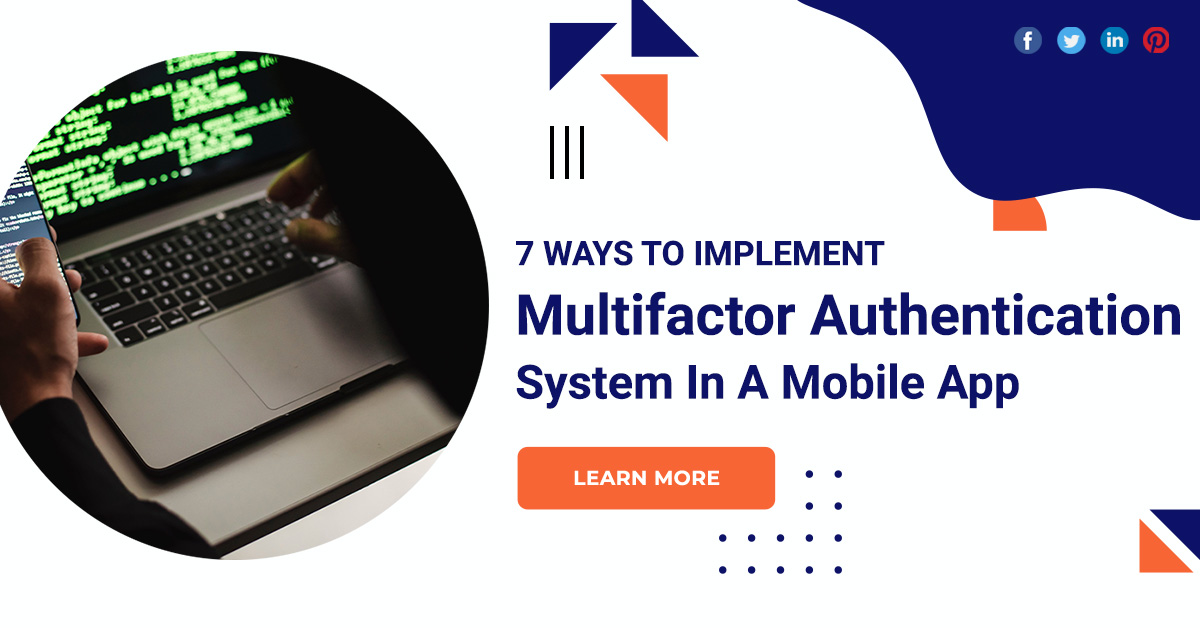
7 Ways To Implement Multifactor Authentication System In A Mobile App
In an era dominated by digital advancements, ensuring the security of sensitive information is more critical than ever. With the proliferation of mobile apps handling personal and financial data, the need for robust authentication measures has become paramount. One of the most effective ways to enhance security is by implementing a Multifactor Authentication system in your mobile app. MFA adds an extra layer of protection beyond just passwords, making it significantly harder for unauthorized users to gain access. In this blog post, we’ll explore seven ways to implement a multifactor authentication system in your mobile app.
Multifactor authentication system
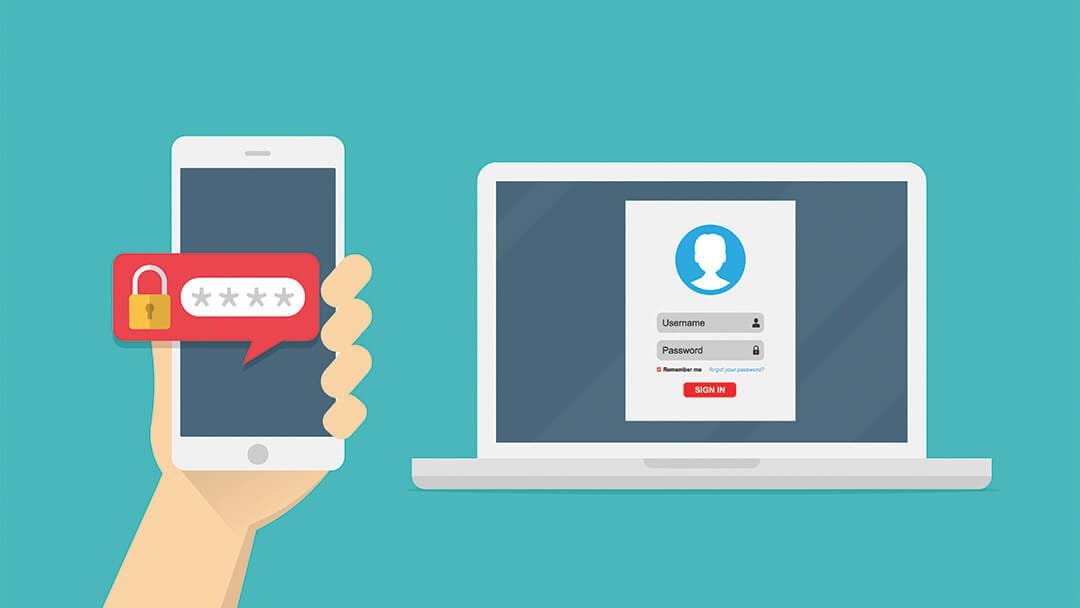
Two-factor authentication
The most common form of MFA, Two-Factor Authentication, involves using two independent factors for verification. Implementing 2FA in your mobile app can be relatively straightforward. Upon entering their password, users receive a unique code through SMS, email, or an authenticator app, which they must input to access their account. This extra step significantly enhances security.
Biometric authentication
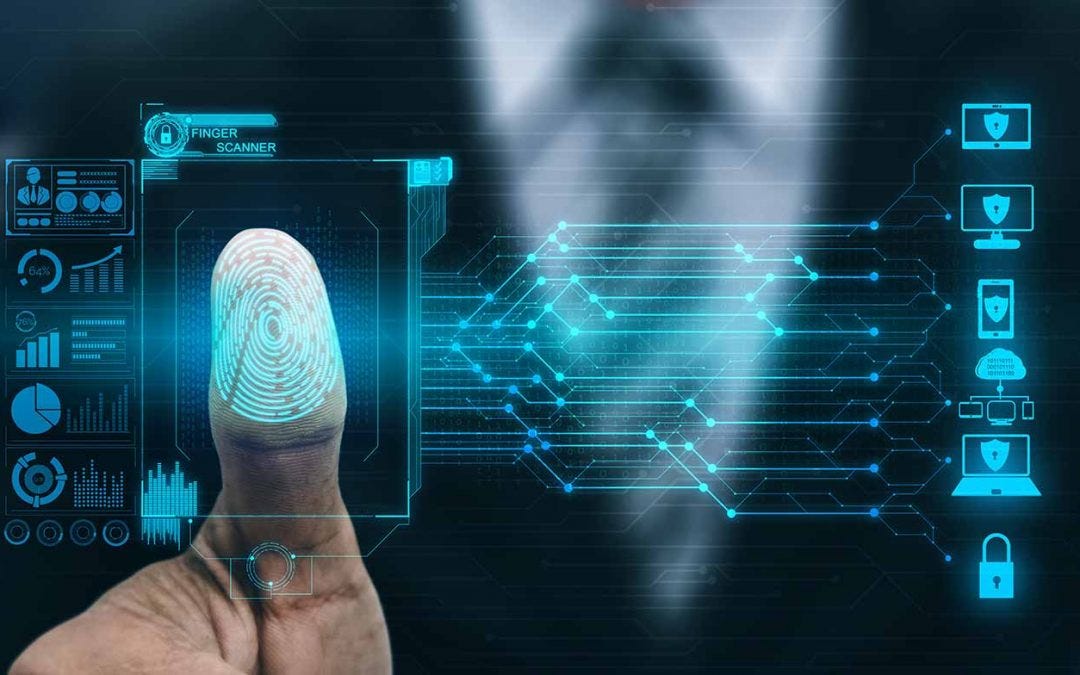
Leverage the built-in biometric features of mobile devices, such as fingerprint scanners or facial recognition, for a seamless and secure user experience. Biometric authentication adds a layer of uniqueness that is hard to replicate, ensuring that only authorized individuals can access the app. Integrating biometric authentication provides users with a convenient and quick way to verify their identity while enhancing the overall security of your mobile app.
Time-based one-time passwords
TOTP is a time-based authentication method that generates temporary codes valid for a short duration. Popularized by authenticator apps like Google Authenticator or Authy, TOTP requires users to input a code generated on their mobile device along with their regular password. This dynamic and time-sensitive approach adds an extra level of security, as the generated codes become useless after a short period, reducing the risk of unauthorized access.
Push notifications
Implementing push notifications for authentication is a user-friendly and secure method. When users attempt to log in, a push notification is sent to their registered device asking for confirmation. The user can then approve or deny the login attempt directly from the notification. This method not only enhances security but also provides a seamless experience for users, eliminating the need to manually input codes.

Location-based authentication
Integrate location-based authentication to add an additional layer of context to user verification. By cross-referencing the user’s current location with their usual login locations, the app can identify suspicious activities. If a login attempt is made from an unfamiliar location, users may be prompted to provide additional verification, such as a temporary code or biometric authentication. This helps protect user accounts from unauthorized access, especially in the case of stolen credentials.
Device recognition
Implement device recognition to track and identify devices used to access the mobile app. By analyzing device-specific attributes such as device ID, IP address, or hardware information, you can establish a baseline for normal user behavior. If an attempt to log in is made from an unrecognized device, users can be prompted to go through additional authentication steps to verify their identity. This approach adds an extra layer of security by detecting potential unauthorized access attempts.
Behavioral biometrics
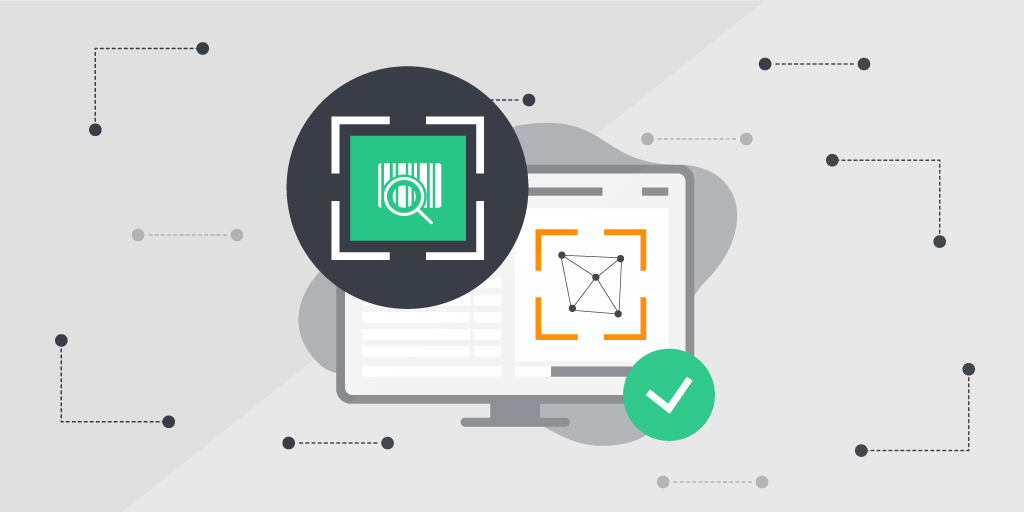
Leverage behavioral biometrics to analyze and identify patterns in user behavior. This includes the way users type, scroll, or hold their devices. By creating a unique profile based on these behavioral traits, the app can continuously authenticate the user in the background. If deviations from the established patterns are detected, the system can prompt the user for additional verification. Behavioral biometrics offer a non-intrusive yet highly effective way to enhance security.
Conclusion
Whether it’s through biometrics, one-time passwords, or behavioral analysis, each layer adds an extra hurdle for potential attackers, making your mobile app more resilient to security threats. Prioritizing user security not only protects your users but also fosters trust and confidence in your app, contributing to its long-term success in an increasingly digitized world.




 Arizona
 Dubai
Dubai India
India